PBR is how modern computer rendering handles materials. This page explains what the letters mean, the four principles behind them, the difference between diffuse and specular light, and how a studio uses PBR values to match a real finish, with a worked table for five common finishes.
What does PBR stand for?
In 3D graphics, PBR stands for physically based rendering. So the short answer to what is PBR: a set of rules for describing materials by their physical properties, how much light they reflect, how rough they are and whether they are metal, instead of by how an artist wants them to look in one shot. What is physically based rendering in practice? It is the reason a renderer no longer needs a separate glossy setting for a sunny scene and a dull one for an overcast scene. Physically-based rendering is the way the engines we use on client work, Corona and V-Ray in 3ds Max and Cycles in Blender, read materials, so one set of PBR maps serves all three.
What does PBR stand for in modeling?
In 3D modeling, PBR still stands for physically based rendering and usually refers to the set of texture maps a model ships with. A product model sold as PBR-ready comes with base color, roughness, metallic and normal maps, so it renders correctly in any PBR engine without its materials being rebuilt.
What are the principles of PBR?
PBR rests on four principles: energy conservation, microsurface roughness, Fresnel reflection and a clear split between metals and non-metals. Each one removes a way an older material could look wrong.
- Energy conservation. A surface never reflects more light than reaches it, so a material cannot be both very bright in color and very shiny. Brighten the reflection and the diffuse color must give up some energy.
- Microsurface roughness. Every surface is made of microscopic facets. When they line up, reflections are sharp; when they scatter, reflections blur and spread. One value, stored in a roughness map, controls this from 0 (mirror) to 1 (matte).
- Fresnel reflection. All surfaces reflect more at glancing angles. A wood floor looks matte underfoot and mirror-like toward a far window. Most non-metals reflect about 4% of light head-on; the Unreal Engine documentation uses that 4% as its default because it is accurate for the large majority of materials.
- Metals and non-metals. Metals have no diffuse color: their color is in the reflection itself, which is why gold reflects gold. Non-metals have a colored diffuse layer under a colorless reflection. The same documentation advises treating metallic as a binary value, 0 or 1, for pure surfaces.
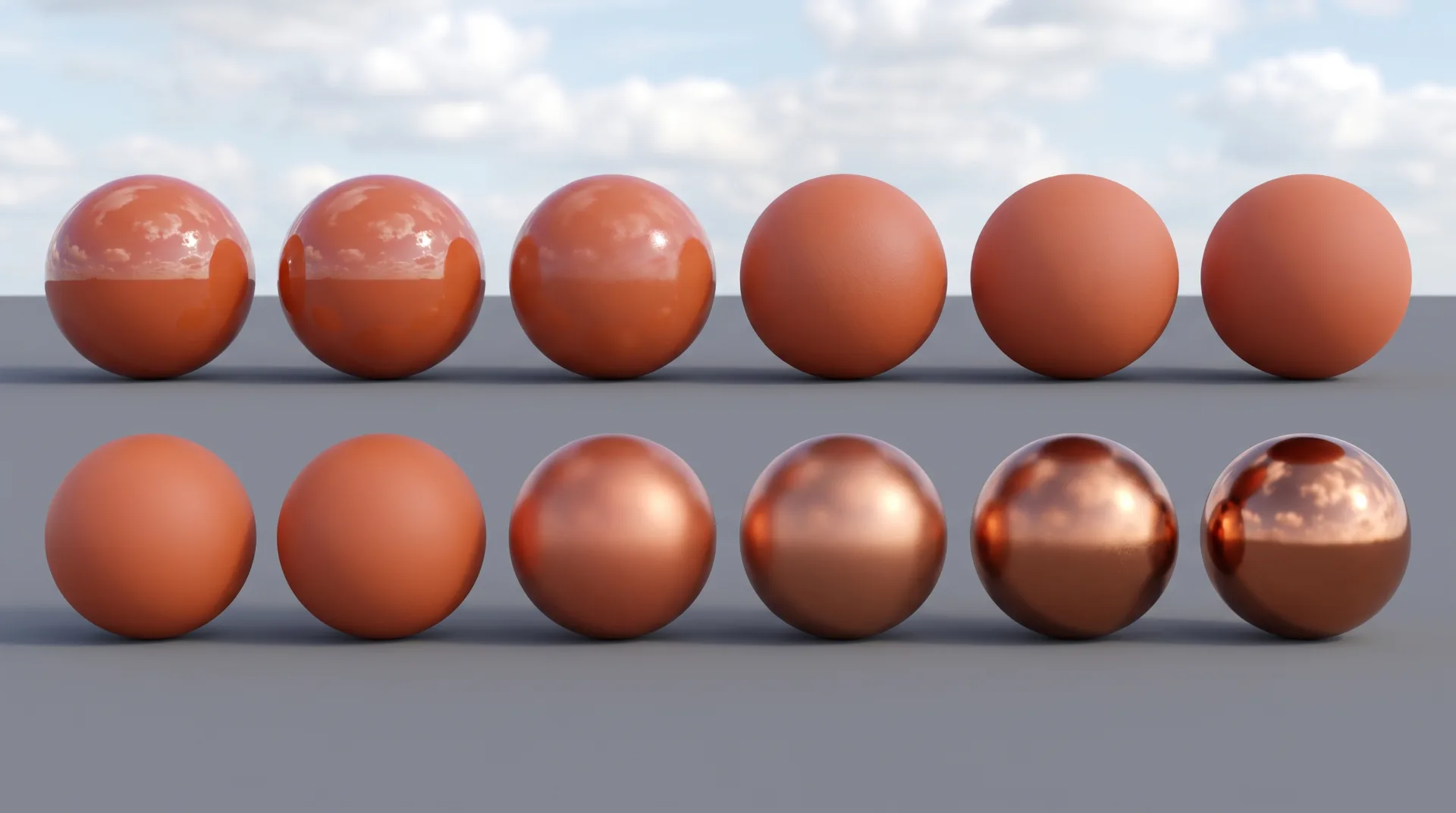
The chart above shows why roughness and metalness are separate controls. Along the top row only roughness changes; along the bottom only metalness changes. A client who says a finish looks too shiny is asking for a roughness change, not a color change.
What is the difference between specular and diffuse light?
Diffuse light is light that enters a surface and scatters out in all directions, giving it its color, while specular light reflects off the surface like a mirror, giving highlights and reflections. Specular vs diffuse light is the core split in every PBR material: diffuse looks the same from any angle, while specular moves as the viewer moves. Every real surface has both; the balance changes.
| Light type | What happens at the surface | What it shows | Example material |
|---|---|---|---|
| Diffuse | Light enters the top layer, is partly absorbed and scatters out evenly in all directions | The surface's color; looks the same from every viewpoint | Matte plaster, raw linen, unfinished concrete |
| Specular | Light bounces off the surface at the mirror angle without entering it | Highlights and reflections that shift as the camera moves | Lacquered cabinets, polished stone, glass, every metal |
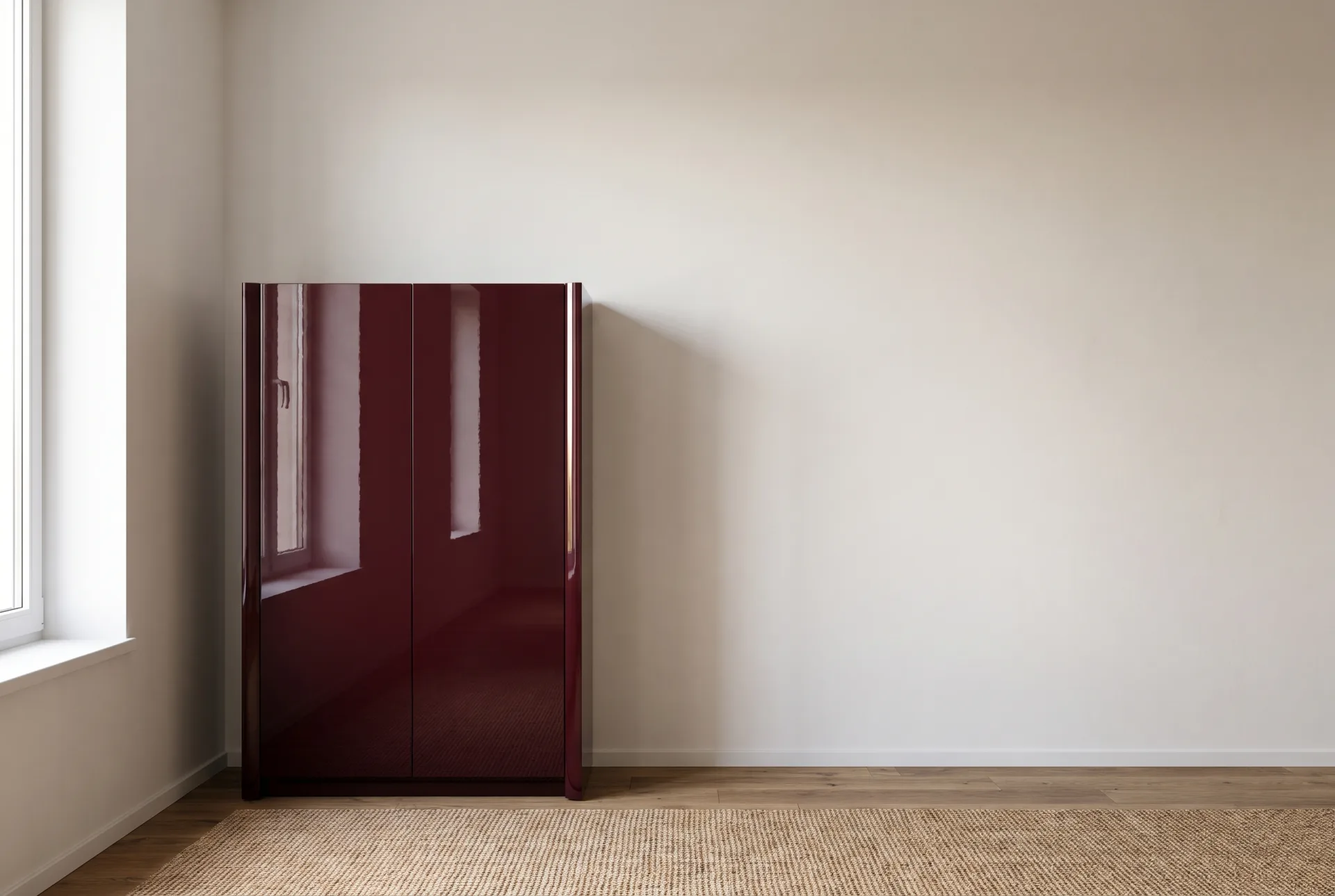
| Both together | A colored diffuse layer under a thin clear reflection | Color plus a sheen that brightens at glancing angles | Oiled oak, satin paint, ceramic tile |
How do PBR textures work?
PBR textures work by storing one physical property per map (color, roughness, metalness, surface direction), which the shader combines with the scene lighting at every pixel. PBR materials are those maps plus the shader that reads them. For each pixel the renderer asks: what color is the surface here, how rough is it, is it metal, which way does it face? It then calculates how much light from every source reaches the camera from that point. Because the maps hold properties rather than lighting, the same material works in any scene. Map-by-map detail, what makes a good material and where to find free libraries are on our page about 3D textures and materials.
Is PBR the same as ray tracing?
PBR is not the same as ray tracing: PBR describes how a material responds to light, while ray tracing is one method of computing where light goes, and PBR materials work with both ray tracers and rasterizers. Think of PBR as the description of the surfaces and ray tracing as the way the light is calculated. An offline engine traces rays through many bounces and reads the PBR material wherever a ray lands. Real-time engines built on rasterization rendering, which draws triangles straight to the screen, read the same material and approximate the light more cheaply. That shared description is why a material built for a V-Ray still can be reused in a real-time walkthrough with little change.
How can I convert an image to a PBR texture?
A photo can be converted to a PBR texture with tools such as Adobe Substance 3D Sampler, which derive normal, roughness and height maps from it; the result must be checked against the real material. Adobe's documentation for Image to Material describes a machine-learning tool that generates the maps from a single image and removes shadows and highlights from the color. The weak point is roughness: a photo shows how a surface looked under one light, so a derived roughness map is an estimate. A satin lacquer and a matte one can photograph almost the same. These tools and others are compared on our page about 3D texturing software.
How does PBR match a manufacturer's finish?
PBR lets a renderer match a real finish by setting the material to the finish's measured color and roughness: brushed steel is metallic with medium roughness, oak veneer is non-metal with low-medium roughness. The table gives the values for five finishes we render often. Metallic values and the measured colors of metals come from published reference data; roughness has no published standard for a given product, so the roughness column shows the starting values we use at 3DRenderingAgency before matching the sample.
| Finish | Base color | Metallic | Roughness (our starting value) | Notes |
|---|---|---|---|---|
| Brushed stainless steel | Light gray, about 0.67 linear, the measured value for stainless steel in the Physically Based database | 1 | 0.3 to 0.4, stretched along the brushing | The brushing is an anisotropic reflection: a long streak at right angles to the grain |
| Oak veneer, satin lacquer | Taken from the veneer swatch, evenly lit | 0 | 0.35 to 0.5 | Clear coat over the wood; pores slightly rougher than the flat grain |
| White lacquer, gloss | Off-white; fresh snow measures 0.81 in the Unreal Engine reference, and few real paints are brighter | 0 | 0.05 to 0.15 | Pure white (1.0) looks glowing and fake; keep the color just below it |
| Linen upholstery | Taken from the fabric swatch | 0 | 0.8 to 1.0 | Add a sheen layer for the soft fuzz at the edges of cushions |
| Clear float glass | Near white, with light passing through | 0 | 0 to 0.02 | Transmission on; index of refraction 1.52, the value listed for soda-lime glass in the Physically Based database |
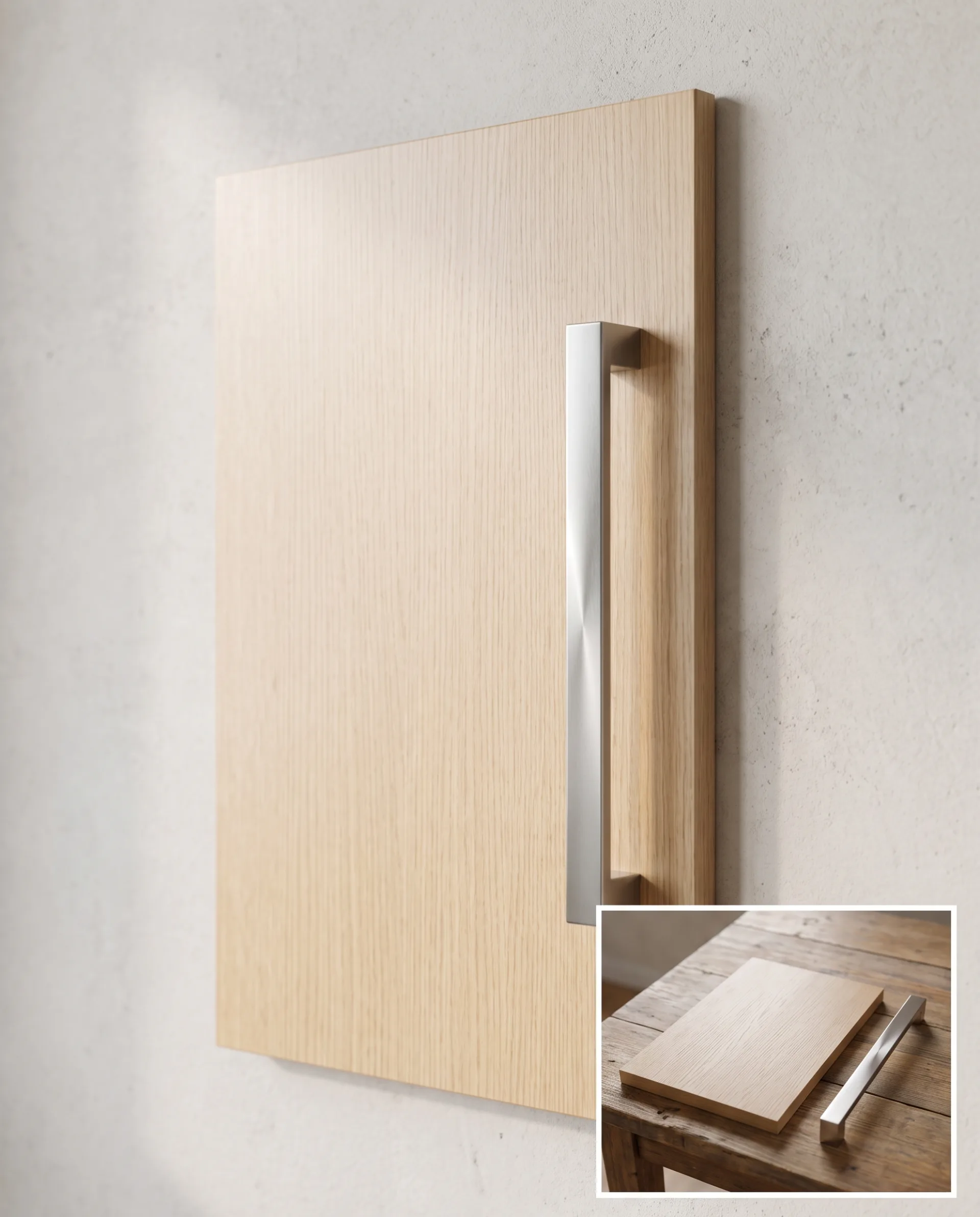
These numbers are where a material starts, not where it ends. The final values are set by rendering the material next to a photo of the real sample under matching light, as described on the materials page. Matching veneers and fabrics this way is the basis of our CGI furniture work, and the same process sets anodized finishes, colored plastics and printed packaging in our 3D product rendering.