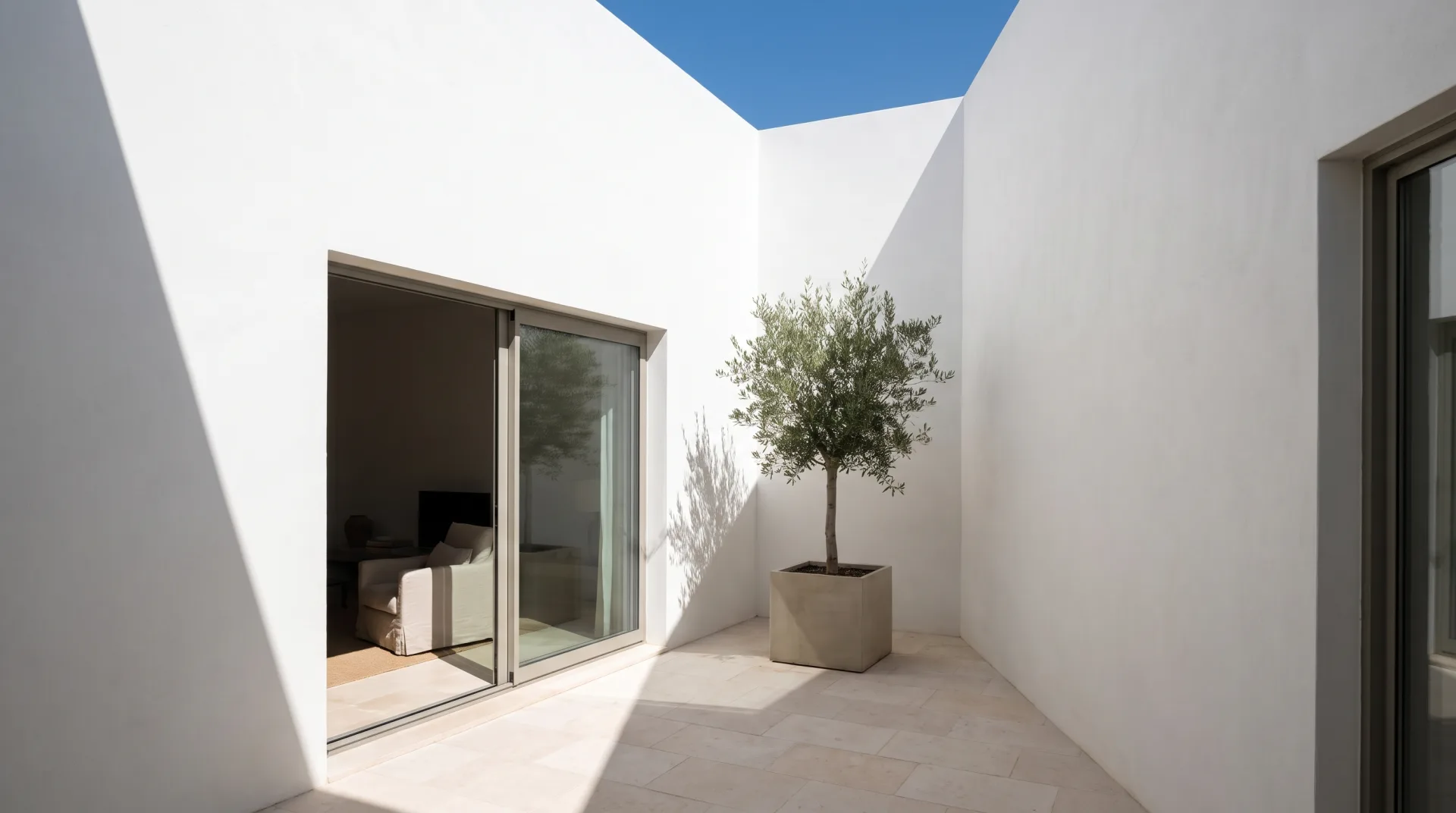
GI is one part of the wider subject of rendering lighting, and in interiors it is the part that matters most. This page shows it on one living room: what each bounce adds, the same room with GI off and on, the methods engines use to calculate it, and what it does to an interior designer's color scheme.
What does global illumination mean?
Global illumination means calculating all the light in a scene, direct and bounced, instead of only the light that travels straight from a source to a surface. So what is global illumination in practice? Direct light alone lights only the surfaces a lamp or the sun can see. Everything else stays black. Real rooms are never like that, because every lit surface acts as a weak light source for the others. The Wikipedia article on global illumination describes it as the group of algorithms that add these subsequent bounces, where light reflected by other surfaces is counted as indirect illumination.
"Global" is the key word. Direct lighting is local: to shade a point, the renderer only needs that point and the lights. GI needs the whole scene, because any surface in the room might send light to any other.
How does light bounce in a render?
Light bounces in a render when the engine traces a ray from a lit surface onward to the next surface it hits, carrying some of the first surface's brightness and color, usually for several bounces. Each light bounce loses energy, because no material reflects all the light it receives. A white ceiling returns most of it; dark walnut returns little and tints what is left warm brown.
The loop above builds one living room bounce by bounce. With direct sun only, there is one bright patch on the oak floor and the rest is black. The first bounce lifts the walls near that patch. The second reaches the ceiling and the far side of the sofa. By the third, the room is evenly and softly lit, and the white ceiling has picked up a warm tint from the floor. Sky light behaves the same way: the light from an HDRI map of the sky enters through the window and bounces exactly as sunlight does.
Should I have global illumination on or off?
Global illumination should be on for any photoreal architectural or product render, because without it interiors look like a stage under spotlights with pitch-black corners. The comparison below is one room at one exposure. Nothing was changed but the GI switch.
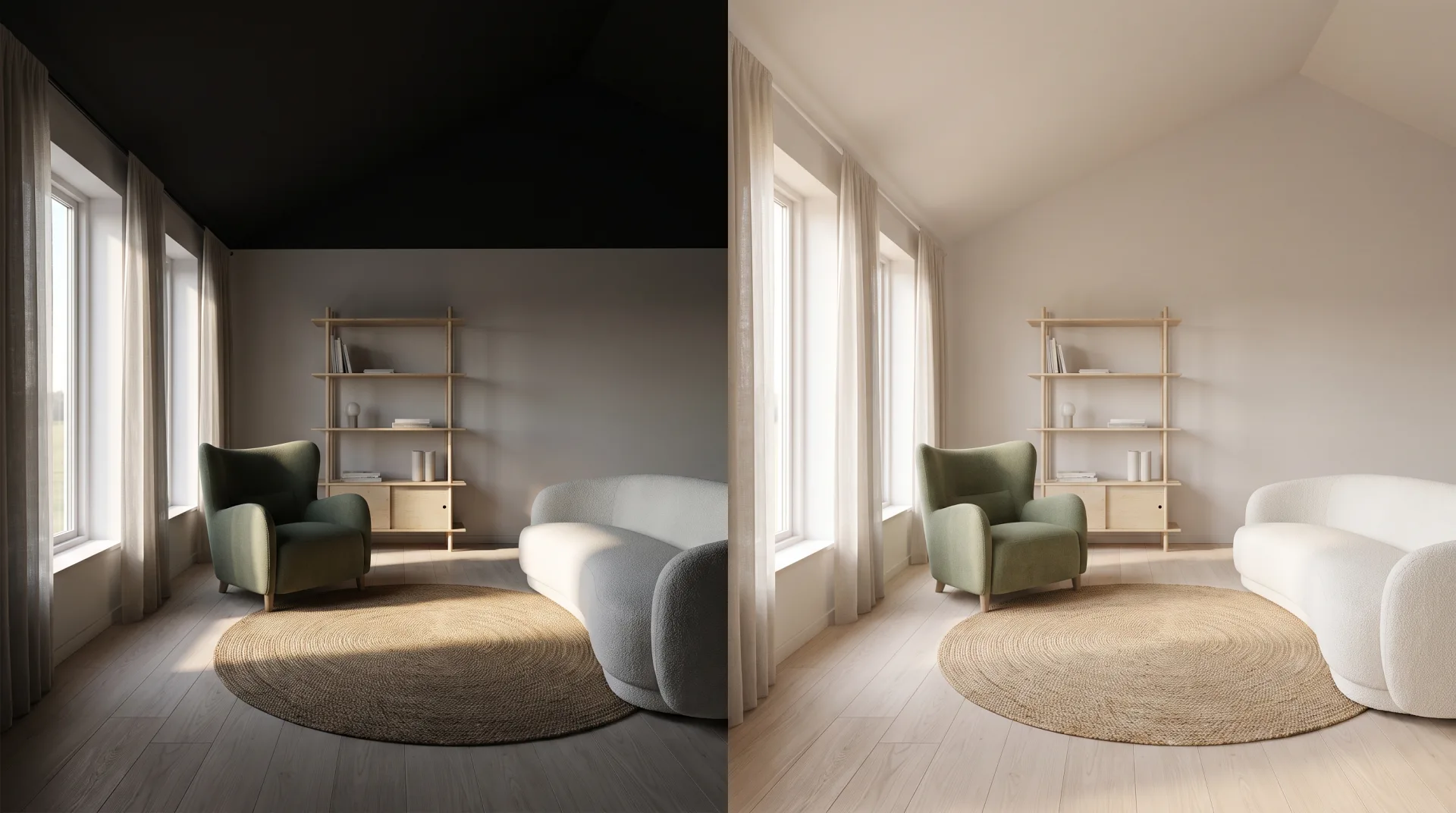
Before engines could afford GI, artists brightened rooms with a flat ambient fill and added ambient occlusion to fake the darker corners that real bounced light produces. That shortcut still helps in real-time previews, but it cannot produce the color shifts and the gradual falloff across a room that buyers read as daylight. The only reasons to turn GI off are speed in a quick clay test or a deliberate graphic style.
Is global illumination the same as ray tracing?
Global illumination is not the same as ray tracing: GI is the lighting effect being simulated, and ray tracing is one method (with path tracing, light caches and baked lightmaps) used to calculate it. Ray tracing, whether run offline or as real-time ray tracing, is a way of following light; GI is what you get when you follow it through enough bounces. Engines reach GI by several routes, from brute-force path tracing to precomputed lightmaps, and many combine two.
| Method | How it calculates bounced light | Speed | Where used |
|---|---|---|---|
| Brute-force path tracing | Follows each ray through random bounces until it fades, averaging many paths per pixel | Slowest, most accurate | Final stills in offline engines; Corona and V-Ray use it for the first bounce of light |
| Irradiance or light cache | Computes bounced light at sample points across the scene first, then reuses it for later bounces | Much faster for interiors, with slight bias | Offline engines; Corona's UHD Cache, V-Ray's light cache |
| Baked lightmaps | Calculates GI once and stores it in textures on static surfaces | Instant at view time, slow to bake; breaks if anything moves | Games, older real-time walkthroughs, VR |
| Screen-space GI | Bounces light only between surfaces visible on screen in the current frame | Very fast, misses anything off screen | Real-time engines and previews |
| Dynamic real-time GI (Lumen type) | Traces simplified scene data with software or hardware ray tracing each frame | Real time on a capable GPU | Unreal Engine walkthroughs, design review |
The cache rows are not guesswork. Corona's own documentation describes path tracing as the primary GI solver and its UHD Cache as a slightly biased, much faster secondary solver for scenes where GI dominates, such as interiors, according to Chaos support. V-Ray's Global Illumination settings work the same way, with brute force for the primary bounce and the light cache available as the secondary engine. Unreal Engine's Lumen is a fully dynamic GI and reflections system that uses hardware ray tracing where available, per Epic's documentation.
Does global illumination affect render time?
Global illumination increases render time because every pixel needs extra rays for each bounce, which is why studios use caches, denoisers and render farms to keep interiors affordable. Interiors cost the most: daylight enters through a window and reaches most of the room only after several bounces, so the engine needs many samples before the corners stop looking grainy. An exterior in direct sun clears much faster.
There are two standard ways to keep that time down. Denoising lets the render stop at fewer samples and removes the remaining grain. A render farm splits the work across many machines, which matters most for animation, where every frame carries the same GI cost. For a client the effect is indirect: GI is part of why a still takes a few days to produce and not a few minutes, and it is part of why an interior looks like a photograph.
What is color bleeding?
Color bleeding is the GI effect in which a strongly colored surface tints nearby surfaces with its color, such as a green sofa casting a green cast onto a white wall. It happens because bounced light carries the color of the surface it left. The Wikipedia article on GI uses the classic example of red and green walls tinting the surfaces around them.
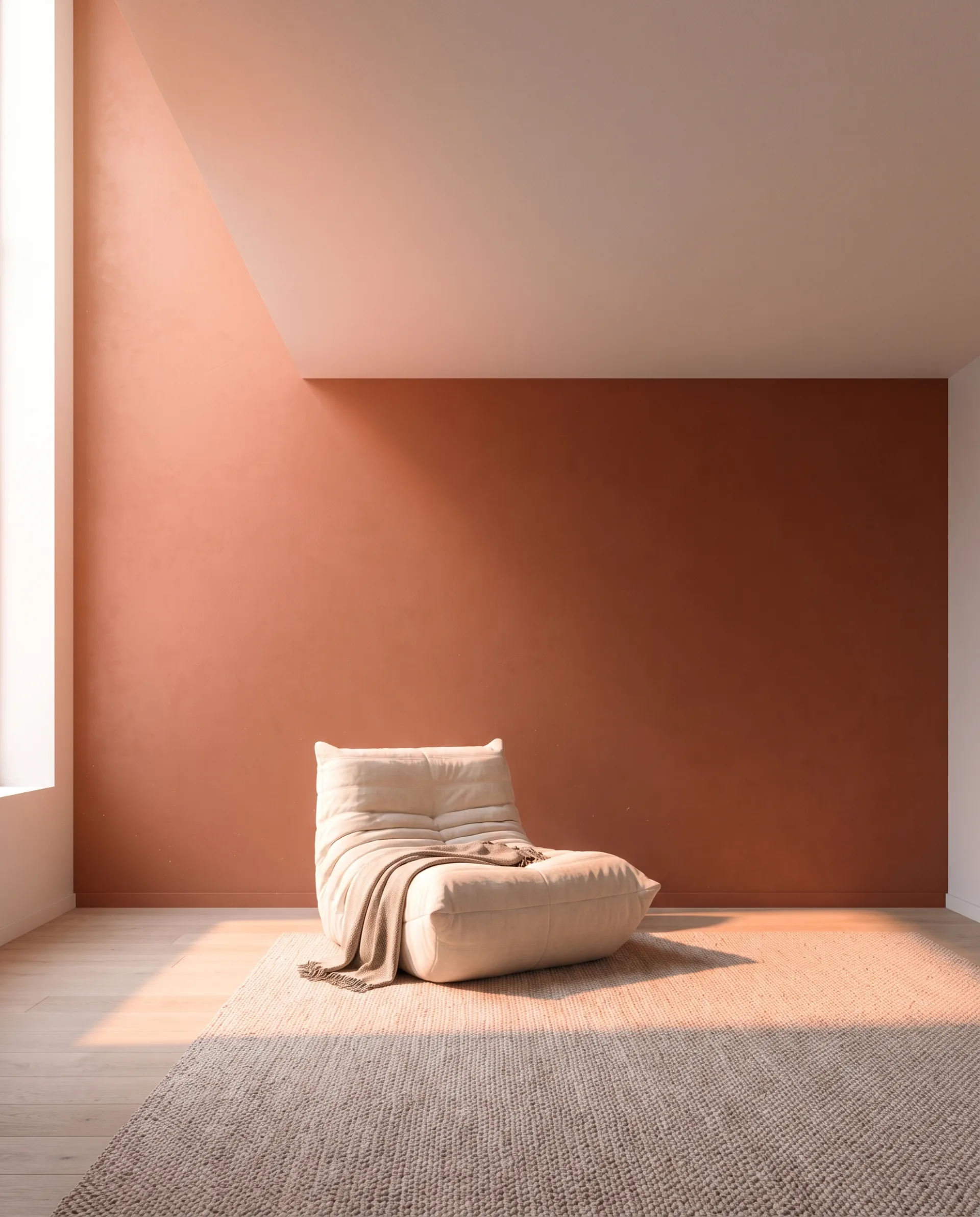
For interior designers this is the part that surprises people. A terracotta feature wall warms a white ceiling and a neutral rug in the render, just as it would in the built room. A render without GI would show that ceiling pure white and mislead the client about the scheme. With GI on, the render shows how the colors will actually sit together.
That is why every interior we deliver at 3DRenderingAgency, a US studio whose team includes interior designers, is path traced with full GI, in Corona or V-Ray inside 3ds Max, so daylight fills the room and a feature color shows its real effect on the walls around it. Bounced light is much of what makes each room rendering we deliver feel lived in, so a client signs off finishes and lighting from an image that reads like a photograph of the finished room.