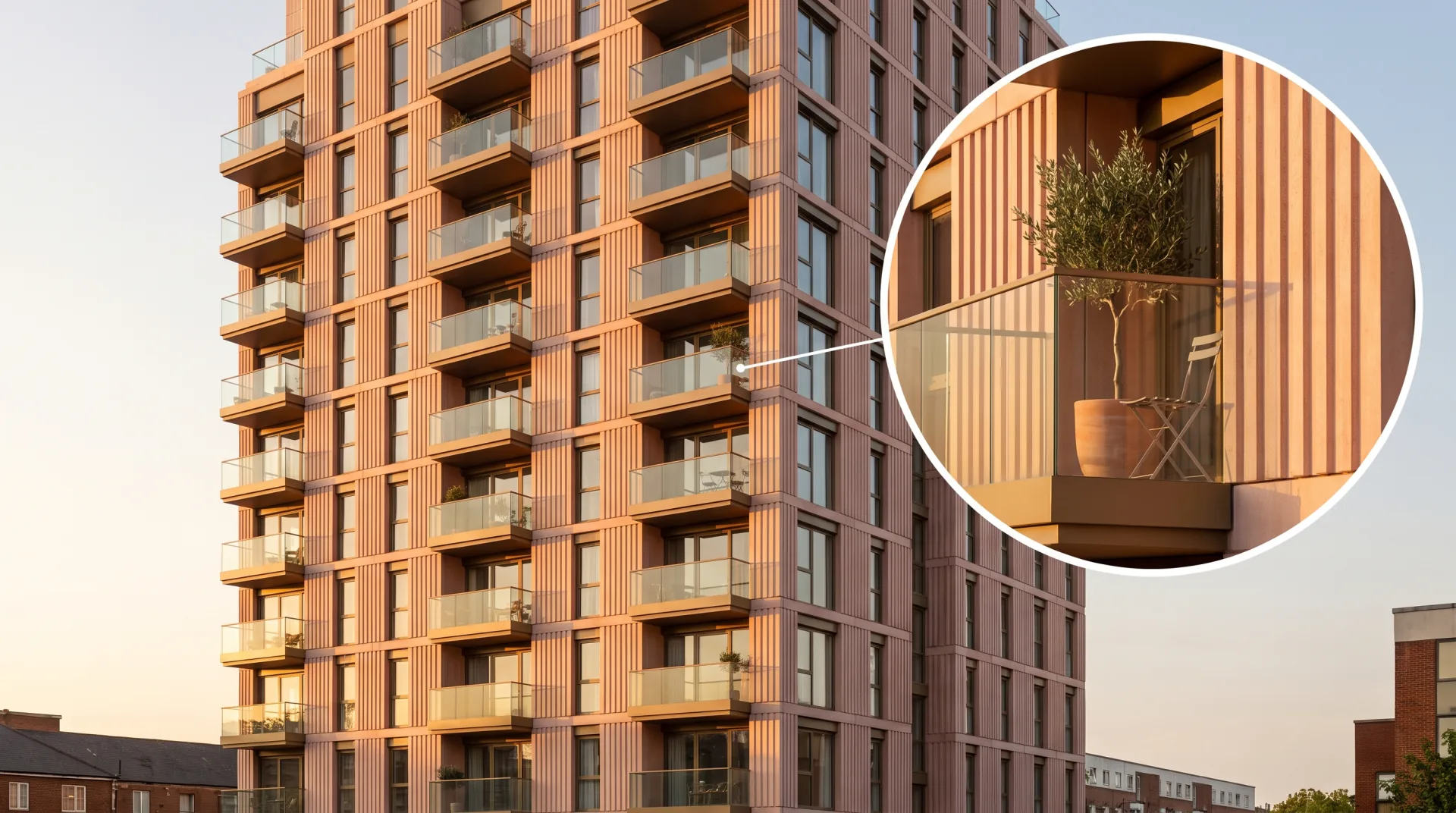
Resolution is one of the settings fixed when rendering 3D scenes into an image, and it is the one most often left out of a brief. This page explains what the numbers mean, gives the sizes we recommend for each use from a website to a billboard, and shows what extra pixels buy and what they cost in time.
What is rendering resolution?
Rendering resolution is the number of pixels a 3D image is calculated at, set before rendering and fixed in the final file. What is render resolution in practice? It is two numbers, width by height, such as 1920 x 1080. Unlike a photograph, a render has no camera sensor to limit it: the artist can set any size, but every pixel has to be calculated, so a larger image takes longer. Enlarging a finished render afterwards does not add real detail; it only spreads the existing pixels further apart, which is why the size has to be chosen before rendering.
Is render resolution the same as the game setting?
Render resolution in a game is the internal size the GPU draws before scaling to the screen; for a rendered image it is simply the file's pixel size. A game set to 75% render resolution on a 4K screen draws a smaller image each frame and stretches it to fit, trading sharpness for speed. A rendered still has no screen to fit: it is delivered at the size it was rendered.
What is the best render resolution?
The best render resolution is the smallest one that holds detail at the final viewing size: 1920 x 1080 for screens, 4K for large displays, and print size times 300 pixels per inch for close-viewed print. Render resolutions above that add render time and file size without adding anything a viewer can see. The table gives the sizes we recommend by use; the print figures follow the 300 ppi standard that printers such as Vistaprint ask for, and the billboard figures come from outdoor media companies' published artwork specifications.
| Use | Pixel size | Notes |
|---|---|---|
| Website hero image | 1920 to 2560 pixels wide | Wider than 2560 rarely shows on screen and slows the page |
| Social media post | About 2000 pixels on the long side | Platforms compress and resize uploads, so larger files gain nothing |
| Presentation screen or TV | 1920 x 1080, or 3840 x 2160 for a 4K screen | Match the screen's own resolution |
| Brochure page, US Letter | 2550 x 3300 (8.5 x 11 inches at 300 ppi) | If the image runs to the page edge, add the bleed your printer specifies |
| Presentation board, 24 x 36 inches | 7200 x 10800 at 300 ppi | A 4K render gives about 107 ppi at this size; ask your printer whether that suits the viewing distance |
| Site hoarding | 6000 to 8000 pixels wide | Our recommendation: viewed from the sidewalk, not up close |
| Printed billboard, 14 x 48 feet | At least 7200 x 2100 | Lang Media asks for art at 1/2 inch to 1 foot scale and 300 ppi: 24 x 7 inches |
| Digital billboard, 14 x 48 feet | 1504 x 416 | International Outdoor's published size; the screen itself is low resolution |
The billboard rows surprise most people. A 48-foot printed billboard needs fewer pixels than a 24 x 36 inch presentation board, because it is read from a road hundreds of feet away. The Lang Media 14 x 48 bulletin specification asks for artwork at half-inch-to-the-foot scale, 7 x 24 inches, at a minimum of 300 ppi and 408 ppi for best output, so 7200 x 2100 pixels at the minimum and about 9800 x 2860 at the optimum. A digital billboard is lower still: International Outdoor's digital bulletin specification sets its 14 x 48 screen at 1504 x 416 pixels.
What resolution is a 4K render?
4K for renders is 3840 x 2160 pixels (UHD), or 4096 x 2160 in cinema DCI 4K. 4K rendering in architecture almost always means the UHD size, because it matches 4K screens and has the same 16:9 shape as Full HD. The width and height depend on the shape of the image too: a 4K render in a tall 4:5 frame is 3072 x 3840. Choosing that shape is covered on our page about aspect ratio.
| Name | Pixels | Aspect ratio |
|---|---|---|
| HD (720p) | 1280 x 720 | 16:9 |
| Full HD (1080p) | 1920 x 1080 | 16:9 |
| DCI 2K | 2048 x 1080 | About 1.9:1 |
| 4K UHD | 3840 x 2160 | 16:9 |
| DCI 4K | 4096 x 2160 | About 1.9:1 |
| 8K UHD | 7680 x 4320 | 16:9 |
The 4K figures are the definitions given in Wikipedia's article on 4K resolution, which also gives DCI 2K as 2048 x 1080. 8K UHD is 4K UHD doubled in each direction.
Is 4K twice as big as 1080p?
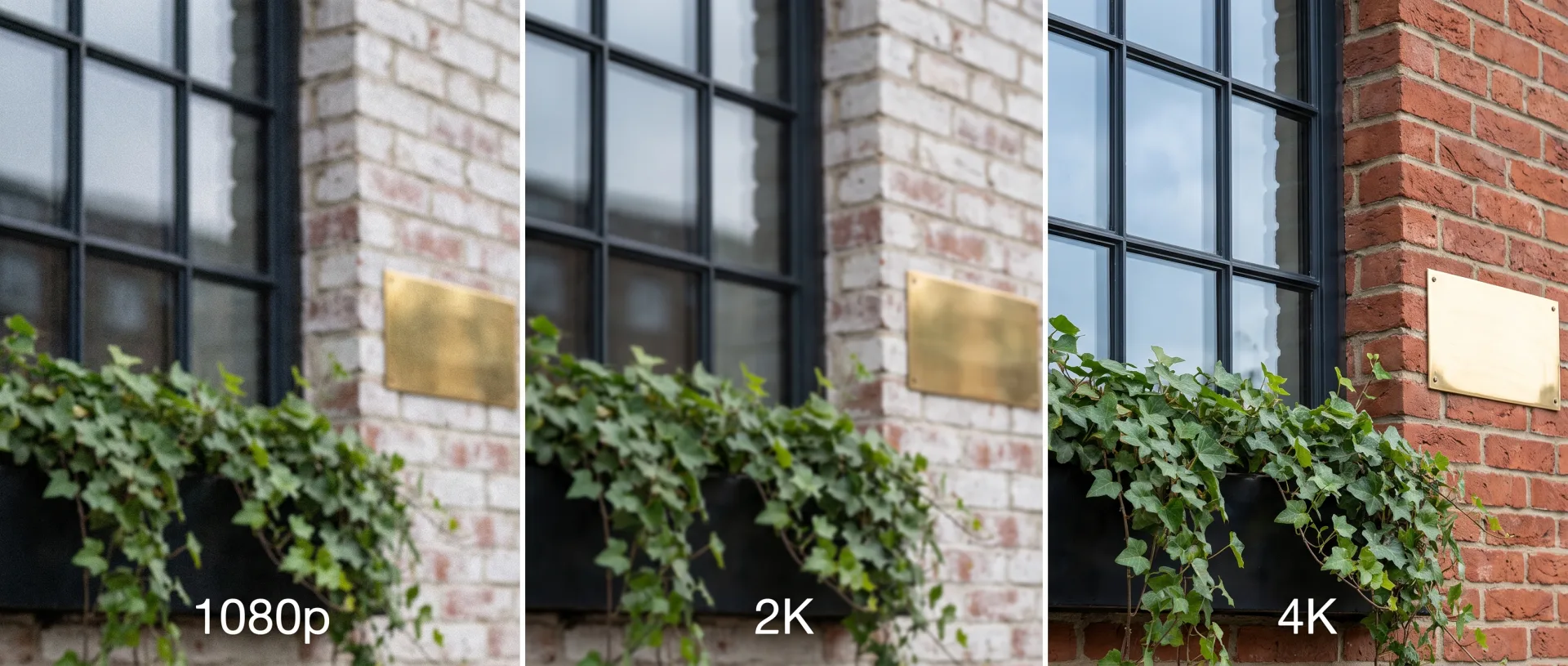
4K is twice the width and twice the height of 1080p, so it has four times as many pixels (8.3 million against 2.1 million). That matters for cost and time: each pixel is calculated separately, so a 4K still takes roughly four times as long to render as the same image at 1080p, and the file is roughly four times as large. The relationship between pixels and render time is close to proportional for stills, which is why 3DRenderingAgency renders drafts small and only the approved final at full size.
What is 1K, 2K and 4K resolution?
1K, 2K and 4K name images roughly 1,000, 2,000 and 4,000 pixels wide: 1024, 2048 and 3840 or 4096 pixels respectively. The names are loose. In texture and HDRI downloads, 1K, 2K and 4K usually mean 1024, 2048 and 4096 pixels on the long side. For screens and video, 4K usually means 3840 x 2160, while the cinema sizes are 2048 x 1080 for 2K and 4096 x 2160 for 4K. When you brief a render, give the pixel numbers rather than the name, and the confusion disappears.
What print resolution does a render need?
A render for print needs about 300 pixels per inch at the printed size for brochures, and far fewer for billboards and site hoardings viewed from a distance. To work out the pixels, multiply each printed dimension in inches by 300. Print resolution is often called DPI, though strictly the file has pixels per inch and the printer lays down dots; the difference is explained in DPI vs PPI.
| Output | Print size | Pixels per inch | Pixel size needed |
|---|---|---|---|
| Postcard | 6 x 4 inches | 300 | 1800 x 1200 |
| Brochure page, US Letter | 8.5 x 11 inches | 300 | 2550 x 3300 |
| Brochure spread, Tabloid | 17 x 11 inches | 300 | 5100 x 3300 |
| Presentation board | 24 x 36 inches | 300 | 7200 x 10800 |
| Printed billboard art at 1/2 inch to 1 foot | 7 x 24 inches (for a 14 x 48 foot board) | 300 minimum, 408 best | 7200 x 2100 to about 9800 x 2860 |
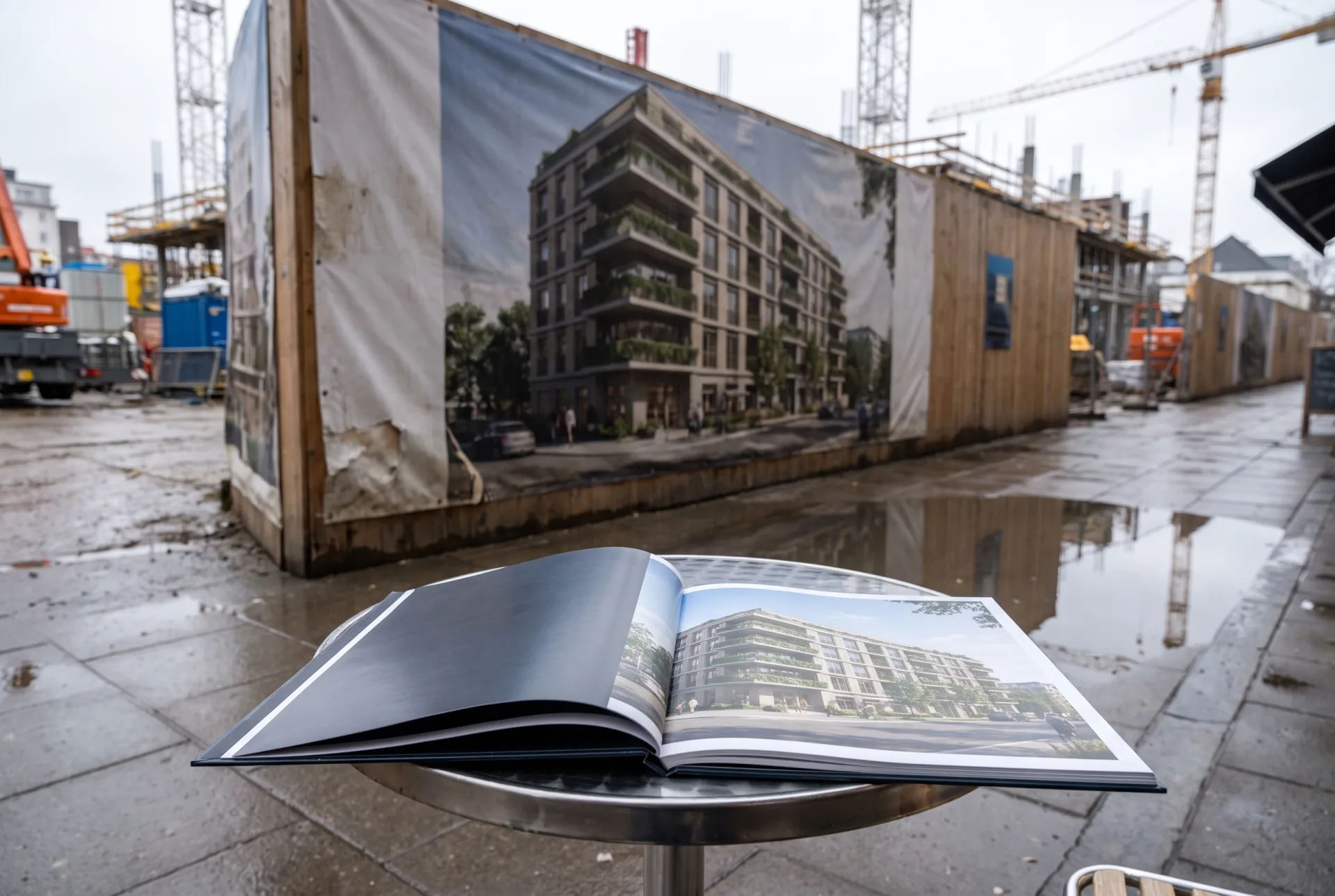
Hoardings around a building site and sales brochures are typical of 3D real estate rendering, and the same image often serves both. Render once at the size the largest close-viewed use needs, and every smaller use can be cut from it.
Which resolution should you ask for in a rendering brief?
Ask for a resolution based on the largest use: we deliver stills in 4K as JPG and PNG by default, with a layered PSD on request, and render larger on request. 4K covers websites, social media, presentations and brochure pages. If the image will go on a presentation board, a hoarding or a billboard, say so in our rendering brief, with the printed size, and the output size is set in the fixed quote we send within 12 hours of receiving your files. Most developers need one large master per view and a set of web sizes, which we can export from it. Our exterior rendering is delivered at web, print and billboard sizes from the same scene.